PDFs opening in Chrome instead of Acrobat?
The System PDF Hijack Repair Toolkit puts your PDF app back in charge. A 90-second triage tells you which fix you need, then illustrated steps walk you through it. Most fixes are one settings change, and nothing on your computer gets deleted.
Instant PDF download · Windows 11 & 10 · macOS 11 through 26 · No tech background needed
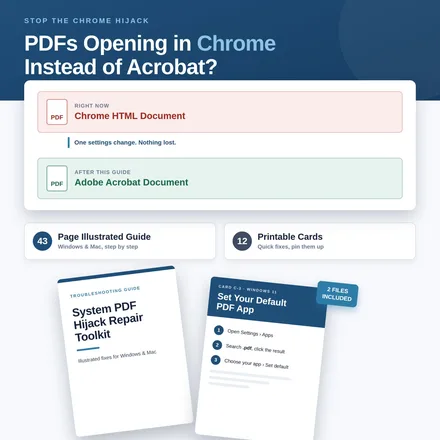
Your PDFs didn't break. Your browser took them over.
- Every PDF I download now says "Chrome HTML Document."
- I double-click a PDF and it opens in Edge, not Acrobat.
- I changed the default app and it reset itself a week later.
- Printing from the browser comes out wrong, and the office printer is next to my desk.
A browser update quietly made itself the default PDF app. The file is still a normal PDF. You just need to hand it back, the right way for your system, so it stays fixed.
A 43-page illustrated guide and 12 printable cards.
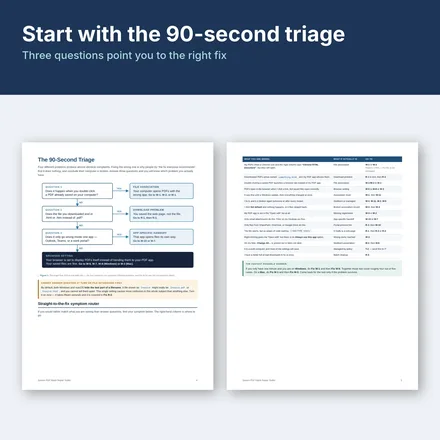
Start with the 90-second triage
Three questions point you to the right fix, so you don't try all nineteen.
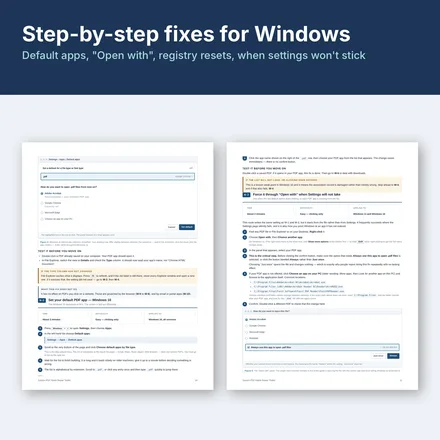
12 fixes for Windows
Default apps, "Open with," the settings that won't stick, and what to do when a reset undoes your change.
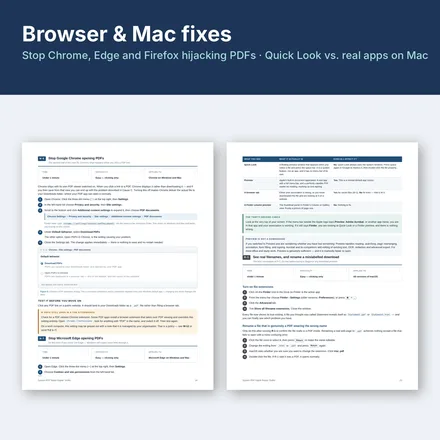
7 fixes for Mac and browsers
Stop Chrome, Edge and Firefox from grabbing PDFs, and sort out Preview, Quick Look and Acrobat on macOS.
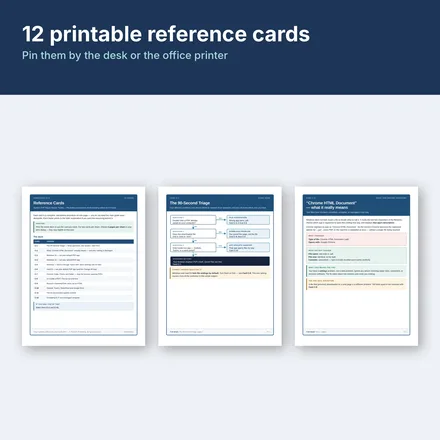
12 printable reference cards
The fixes you'll reach for most, one per card. Pin them by your desk or the office printer.
- Nothing gets deletedMost fixes are one settings change, and each step says how to undo it.
- Windows & MacWindows 11 and 10; macOS 11 Big Sur through macOS 26 Tahoe.
- Plain EnglishWritten for office staff and students, not IT departments.
- Instant downloadTwo PDFs. Print them or keep them on your computer.
One price, two places to buy.
System PDF Hijack Repair Toolkit
- The 90-second triage and 19 numbered fixes: 12 for Windows, 7 for Mac and browsers
- 5 recovery methods for when a fix won't stick
- 7 templates to document your setup or hand it to a coworker
- 12 printable reference cards (13 pages)
Prefer Etsy?
The same toolkit is in the PK Publishing Etsy shop, if you'd rather check out there.
Questions before you buy? Email us.
More fixes, the same plain-steps way.
Before you buy
Why are my PDFs saving as "Chrome HTML Document"?
Windows has made Chrome (or Edge) the default app for .pdf files, usually after a browser update or reinstall. The file is still a normal PDF; only the app that opens it changed. The guide shows how to hand .pdf back to Acrobat or the reader you choose.
Will a fix delete anything?
No. Most fixes are one settings change. Nothing on your computer is deleted, and every step says how to undo it.
Which systems does it cover?
Windows 11 and Windows 10, and macOS 11 Big Sur through macOS 26 Tahoe, with Chrome, Edge and Firefox.
Do I need to be technical?
No. It starts with a 90-second triage of three questions that points you to the right fix, and every fix is illustrated step by step.
How do I get it?
It's an instant download: two PDFs, the 43-page guide and a 13-page deck of 12 reference cards. Nothing ships.
Put your PDF app back in charge.
One settings change, for most people. $12, instant download.