AI Prompts for Contractors: Estimates, Follow-Ups, Change Orders and Checklists
Contractors can use AI to draft estimates, scope write-ups, customer follow-ups, delay and change-order messages, checklists and SOPs. Give the AI your real job details and tell it to leave blanks instead of guessing. You supply every price, code reference and warranty term, and you review each draft before sending.
How can contractors use AI without it making things up?
Give the AI your real facts and ask it only to do the writing. Tell it the job, the materials, the hours and the total, then have it turn those into clear text. The numbers, the code references and the warranty wording stay yours.
The Home Service Businesses playbook frames it the same way: you describe the job, paste the customer's message or list your services, and get back clean text you can send. Most of that writing happens at 9pm after a long day, and that is the work AI takes off your plate.
Add one rule to every prompt so the AI cannot fill gaps on its own.
Use only the numbers and details I give you below. If something is missing, such as a price, a permit requirement or a warranty length, leave a bracketed blank for me to fill in. Do not guess.
What should an AI-written estimate or scope draft include?
A good estimate draft has a short scope of work, what is included, what is excluded, the total, and a friendly line about scheduling. That is the structure the playbook's quote template asks for, written in plain English with no jargon.
Feed it rough notes, not a finished document. The AI organizes them, and you check every line against what you actually plan to do.
You write clear estimates for a plumbing business. Turn these notes into a quote a homeowner will understand. Job: replace a kitchen faucet and shutoff valves. Materials, hours and total are below. List what is included and what is not, and close with a scheduling line. Do not add any item or price I did not list.
The excluded list matters as much as the included one. It is where disputes get headed off, so read it twice before sending.
How do I use AI for follow-ups and customer replies?
Paste the customer's message and tell the AI what the reply must accomplish. The playbook's inquiry responder does exactly this: answer the question, ask the one or two things you need to quote the job, and nudge toward booking.
Speed matters here because the playbook notes that jobs go to whoever answers fast, quotes clearly and shows up with reviews online. A draft that takes you two minutes to review beats a perfect reply sent three days later.
A homeowner texted: "[paste their message]." Write a short, friendly reply that answers what they asked, then asks for their address area and when they need the work done. Give me two versions.
Asking for two versions is a habit the playbook uses throughout. You pick the one that sounds like you and edit from there.
Can AI write delay and change-order messages?
Yes, as long as you supply the facts and approve the final wording. A delay or change-order message is a plain customer message with a specific goal, so the same approach applies: state the situation, state what you need from the customer, and set the tone.
The Home Service Businesses playbook does not include a dedicated delay or change-order template, so these prompts are adapted from its customer-reply approach. Treat the AI's output as a draft and confirm any cost or schedule change against your own paperwork.
Write a calm, professional text to a customer. The job is delayed because [reason]. The new target date is [date]. Apologize once, explain in one sentence, and ask them to reply to confirm. Do not promise anything beyond the date I gave.
Draft a change-order message. The customer asked to add [work]. The added cost is [amount] and the added time is [time], both from my own estimate. Ask for a written yes before I start. Keep it friendly and under 120 words.
If a customer pushes back on price instead, the playbook has a separate reply built to explain value without getting defensive or dropping the price.
How do I build job checklists and SOPs with AI?
Describe how you do the job today and ask the AI to put it in order. The playbook's advice for anything with reasoning is to add "think step by step before the final answer," and its "ask me questions first" move makes the AI pull the details out of you instead of guessing.
Checklists and SOPs are not among the playbook's ten templates, so this is an application of its general method. Because safety steps and code requirements vary by trade and location, verify every step yourself or against your licensing authority.
I run HVAC maintenance visits. Before you write anything, ask me the five questions you need to build a visit checklist. Then wait for my answers.
Using my answers, think step by step and write a numbered checklist for a technician to follow on site. Put each step on one line. Mark any step involving code, safety or manufacturer specs with [VERIFY] so I can check it.
Once an output works, save it. The playbook suggests pasting your best result back into the template as the new example so it gets sharper over time.
What are the rules for using AI safely in a trade business?
Keep prices, code citations and warranty terms out of the AI's hands. Supply them yourself, and review every draft before it reaches a customer. Also leave out private details such as customer payment information.
The playbook builds its prompts on six levers: Role, Task and limits, Example, Format, Think first, and Iterate. The Task and limits lever is your safety control, because it is where you write what to include and what to avoid.
The Example lever helps too. Paste a past quote or message you were happy with and say "match this," which the playbook calls the highest-leverage move. If the first draft is off, ask for a fix such as "shorter, and cut paragraph 3" rather than starting over.
Prompts built for home service work
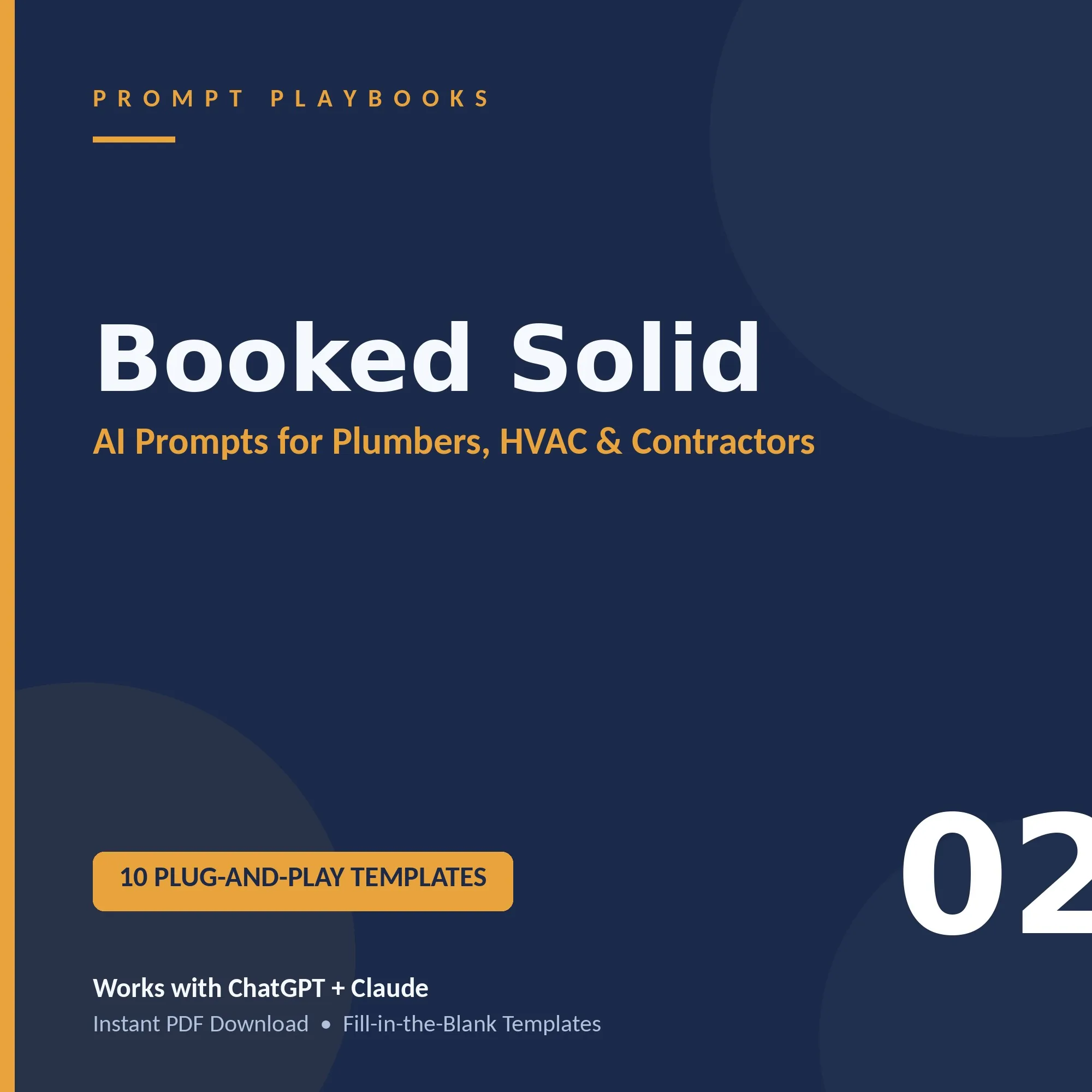
The Home Service Businesses playbook, called Booked Solid, is a 5-page guide with 10 ready-to-use templates for $9, covering quotes and customer replies, reviews and reputation, and local marketing. It also adds a job-to-marketing workflow and a quick-start checklist; the Local Business Kit bundles it with four other guides, 50 templates in all, for $22.
Or buy the guide inside the Local Business Kit (5 guides, 50 templates, $22), or The Vault (all 23 guides, $40). Instant PDF, no subscription.
Frequently asked questions
What details should I give AI when writing a quote?
Give it the job description, the materials list, your labor hours and rate, and the total. Then ask for a short scope of work, what is included and excluded, and a scheduling line. Because the AI only organizes what you provide, the figures stay accurate.
Which AI tool works for these prompts?
The prompts in the Prompt Playbooks library work with Claude, ChatGPT or any AI assistant. You fill in the bracketed details, paste the prompt in, and edit the result. No special software is needed beyond the chat tool you already use.
How do I get the AI to sound like me?
Paste a sample of your own writing, such as a past customer message you liked, and tell the AI to match it. The playbook calls giving an example the highest-leverage move. Save outputs that work and reuse them as your new example.
Is there a free way to try these prompts first?
Yes. The Free AI Starter Kit has 7 prompts across 5 pages, including one for handling a customer message with two reply versions. It works for any business and uses the same six levers as the paid guides, so it is a low-risk way to start.
Do I need the whole library to get started?
No. The Home Service Businesses playbook costs $9 and has 10 templates. The Local Business Kit is $22 and bundles five guides with 50 templates, covering Home Services, Restaurants, Auto, Fitness and Salons, for owners who want more than one.
More answers
General guidance. Check every AI draft for accuracy before you use it, and do not paste private customer, financial or health information into an AI tool.
Sources
Official and primary sources on the topic. Rules, deadlines and figures change, so confirm current details there before you act.
- FTC Announces Crackdown on Deceptive AI Claims and Schemes (Federal Trade Commission). Announces Operation AI Comply enforcement actions against companies that exaggerated AI capabilities or sold AI tools used deceptively.
- AI Risk Management Framework | NIST (National Institute of Standards and Technology). Describes NIST's voluntary framework for managing AI risks to people, organizations and society, with companion resources.
- Prompt engineering | OpenAI API (OpenAI). Explains how to write effective prompts, including instructions, prompt structure, few-shot examples and supplying context.